Before detailing the registration steps, what is Google AdSense for Content?
Google AdSense for Content (AdSense for Content - AFC) is an AdSense publisher account approved through a custom website rather than YouTube or Blogspot hosted accounts. Non-hosted AdSense content accounts are harder to obtain, but ad formats are versatile and produce higher revenue potential.
1. Preparing Your Website for Google AdSense Registration
You can build a website using WordPress quickly without programming knowledge.
Host your site using custom hosting or free OpenShift hosting.
Requirements: Clean theme design, clear navigation structure, and mobile-friendly layout.
Using top-level domain extensions like .com improves approval odds. Free top-level domain extensions from platforms like my.freenom.com or .vn domains also work effectively.
2. Content Preparation for Google AdSense
Focus on original, high-quality content.
Content must adhere to AdSense policies: no copyright violations, hate speech, adult content, or violence. Custom images and original illustrations are recommended.
3. Maintaining Regular Publishing Frequency
Publish around 4 articles per week. Accumulating at least 20 well-structured articles before submitting your application is ideal.
4. Essential Pages and Integrations
Create About Us and Privacy Policy Pages
Google AdSense policy strictly requires all publisher websites to feature a compliant "Privacy Policy" page.
Refer to this guide to generate a compliant privacy policy page: Creating a Privacy Policy Page for Website. active
Integrate Google Analytics:
Link Google Analytics using the same Google account intended for AdSense registration.
Register Site in Google Search Console:
Add your domain property in Search Console, verify ownership, and submit your XML sitemap. Ensure `robots.txt` does not block Googlebot crawler agents.
Traffic Requirements
Aim for organic/referral traffic of at least 100 – 300 visits/day. Google evaluates site traffic metrics during review.
5. Submitting Your Google AdSense Application
Go to AdSense homepage: google.com/adsense/app#main/home and log in with your Google account linked to Google Analytics and Search Console.
Create 1–2 ad units, copy the code snippet, and paste it into your site layout.
Under Account Settings, add your site URL to Site Management.
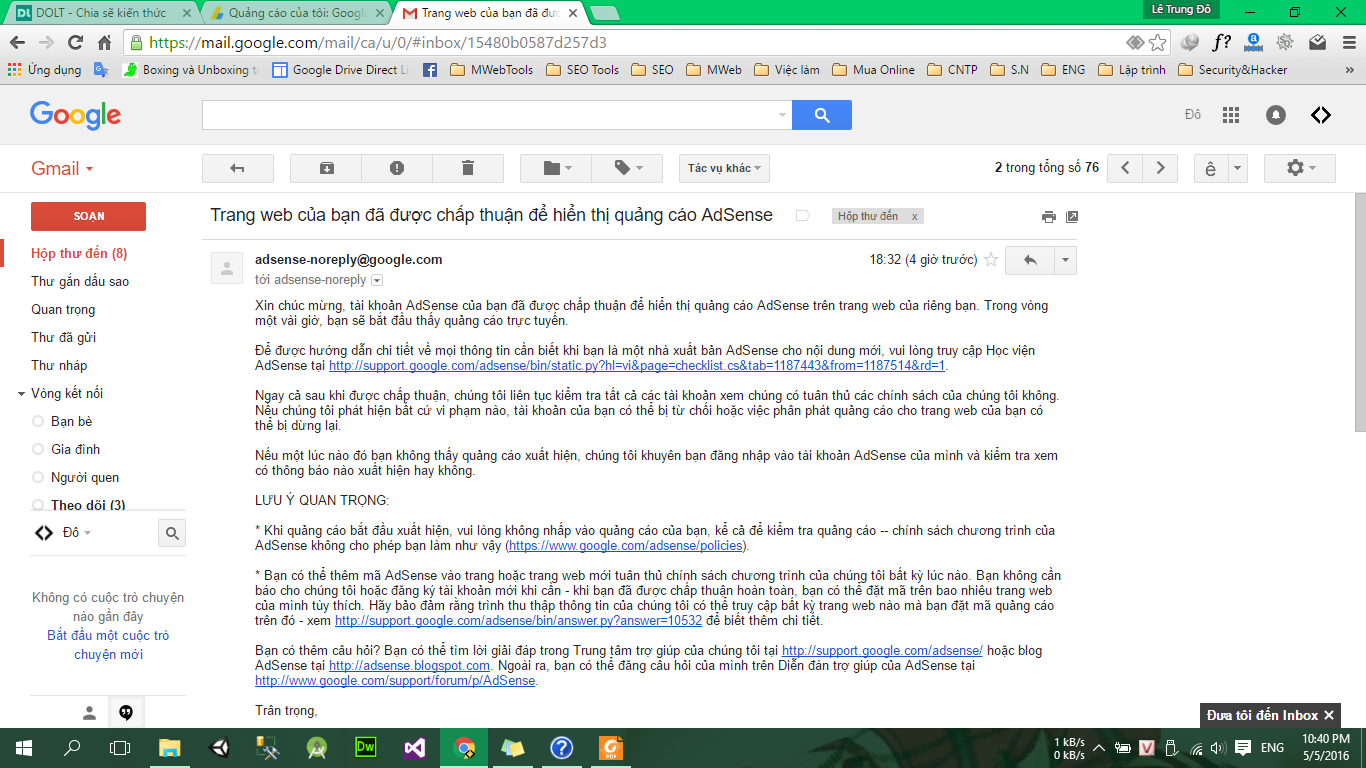
Wait for Google AdSense verification email notification (typically 1–3 days).