Since yesterday evening 11/01/2016, Viettel internet users could not access websites hosted abroad. I tried VPN extensions like Hotspot Shield Free VPN Proxy, Unlimited Free VPN - Hola, ... but unfortunately these extensions could not be downloaded either. Popular VPN sites like zpn.im were unreachable due to international hosting. Thus, how to access international Internet during undersea cable cut is to find VPN providers hosted locally in Vietnam, and VietPN is a stable VPN service I want to introduce in this article.
Guide to Accessing International Internet During Undersea Cable Cut
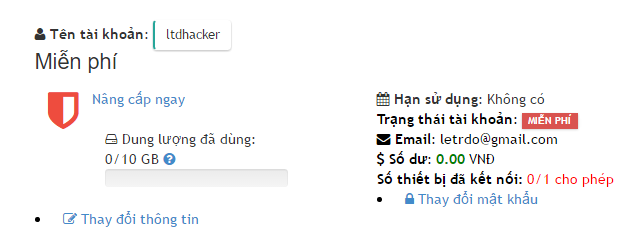
Step 1: Register an Account at VietPN
Access the following link: vietpn.com/register and register a new account.
After registering, you will receive 10GB of free data allowance.
Step 2: Install VietPN to Access International Internet
Go to link: vietpn.com/tutorial/ to download the version matching your OS.
Installation Guide for PC (Windows):
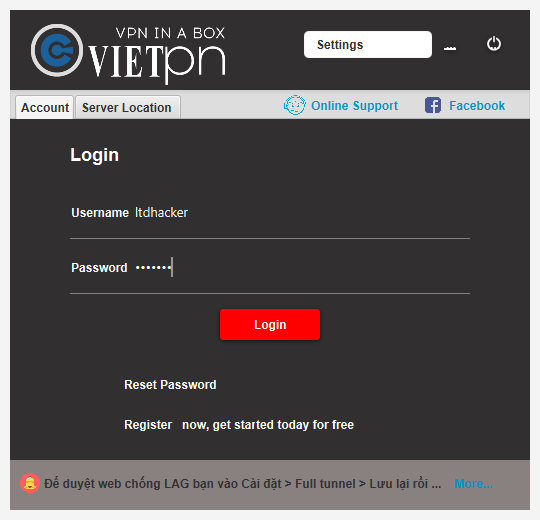
After installing VietPN, open the application and log in using the account created in Step 1:
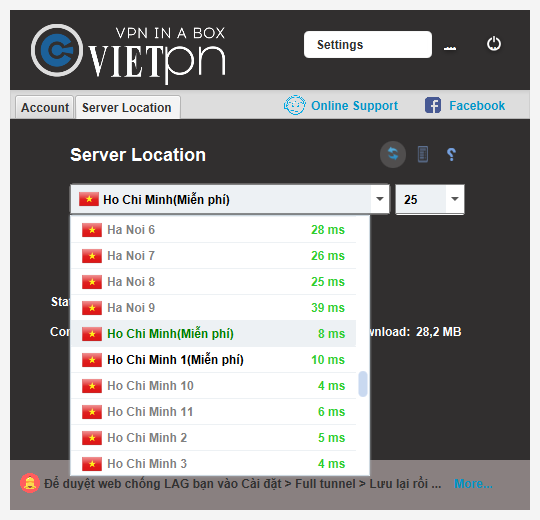
After logging in, switch to the Server Location tab and choose a server marked (Free) with low ping:
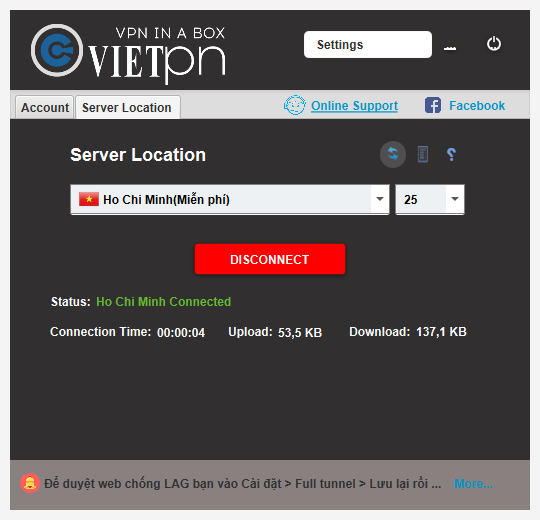
Then click Connect; a successful connection will display (e.g. Ho Chi Minh Connected).
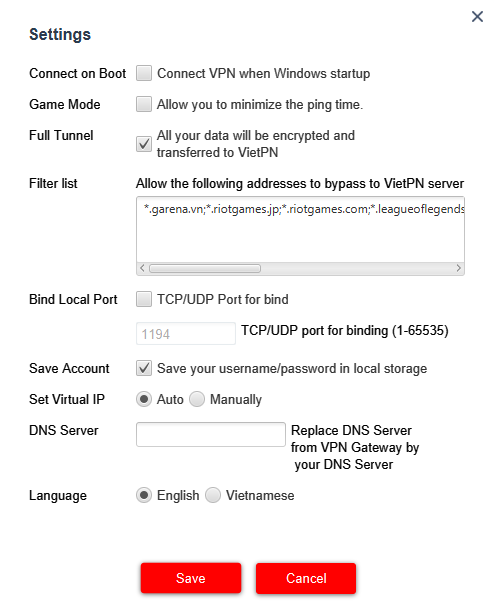
Note: To properly route all web traffic, go to Settings -> check Full Tunnel (All your data will be encrypted and transferred to VietPN), then click Save.
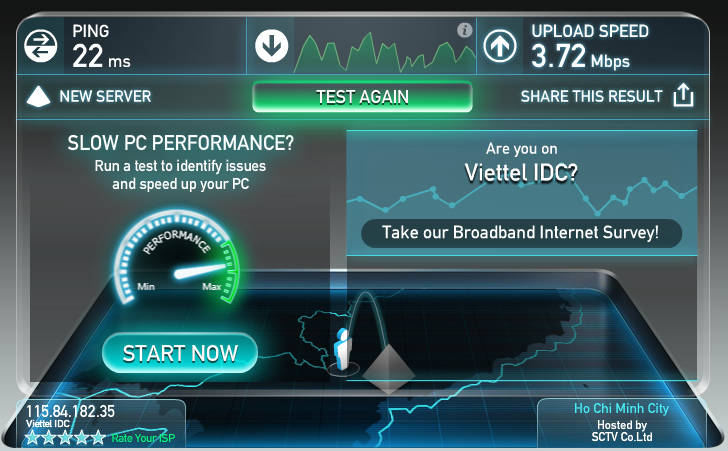
Speed Test when using VietPN
Most international websites become accessible with speeds around 3Mbps, which is usable during cable outages.
Tip: When you exhaust your 10GB allowance, you can register another account to get another 10GB free.
Good luck accessing the internet!